
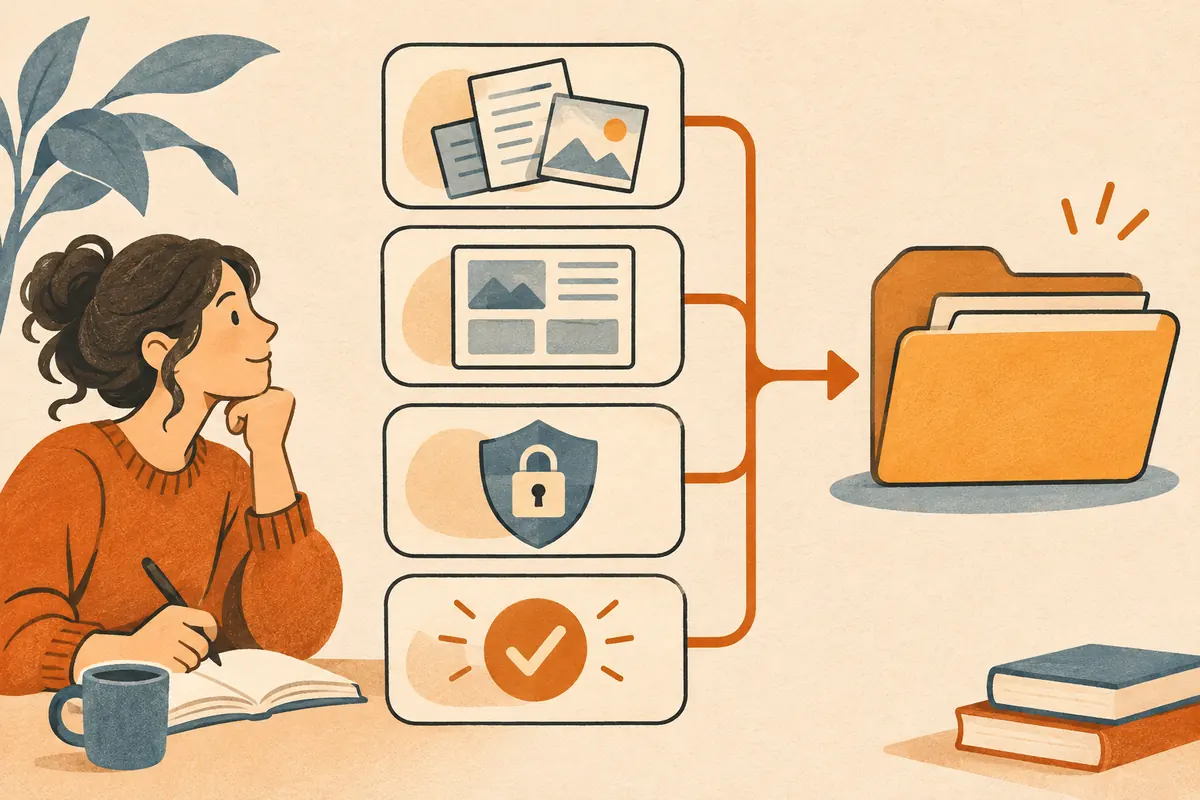
A recurring task is easier to review when its inputs, instructions, and outputs have predictable locations. Start with a workspace dedicated to one workflow, such as turning customer interview notes into a weekly summary.
Set up a workspace
Create an inputs folder for approved source files, an outputs folder for drafts, and a task-brief.md file for the task rules. For local files, connect the workspace in Claude Desktop.
Put these details in your brief:
- Goal. Produce a Markdown summary of the interviews in the input folder.
- Scope. Use only the files in the input folder. Preserve them.
- Output. Save a dated draft in the output folder, with themes, supporting quotes, and unresolved questions.
- Review. Cite the source filename next to each quote and identify any notes you could not read.
- Approval. Ask before overwriting a draft or sharing an output.
At the start of a session, explicitly ask Claude to read the brief. Confirm it can identify the approved folder and intended output before proceeding.
Check that the instructions work
Run the workflow with two synthetic interviews. Put one point in both interviews and a conflicting point in only one. Check that the summary distinguishes recurring themes from a single source and flags the conflicting evidence. Update the brief if you find a recurring error.
Use the document brief in the prompt library to start. Once the instructions are stable, see scheduled tasks for recurring drafts.