
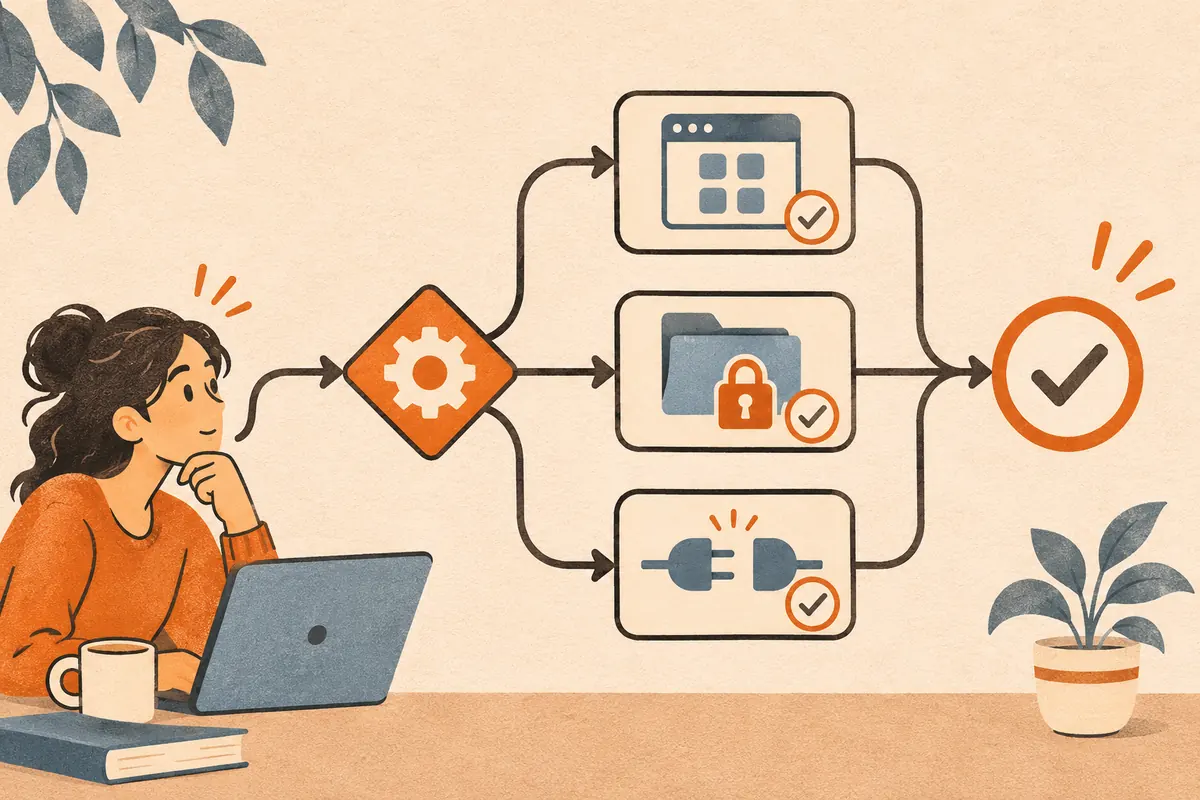
Start with the symptom you can reproduce. Use one synthetic input so you can distinguish an access problem from a problem with a particular file or prompt.
| Symptom | First check | How to confirm |
|---|---|---|
| Cowork tab is missing | Check the account, workspace, and whether the interface combines chat and Cowork | Follow the missing tab checklist |
| Claude cannot see a local file | Check the connected folder and whether Claude Desktop can reach it | Ask Claude to read one known text file in the approved folder |
| A connected service returns no data | Check the account and its direct access to one test item | Run the connector checklist |
| A scheduled task seems late | Open its run history and check the time zone | Follow the scheduled task checklist |
| Output is incomplete | Check whether the prompt specifies required fields and what to do when a value is missing | Compare a run with the receipt reference files |
If the issue persists, record the device, workspace, steps, and exact error before contacting Claude support. Use synthetic inputs or redact private details in any examples.