
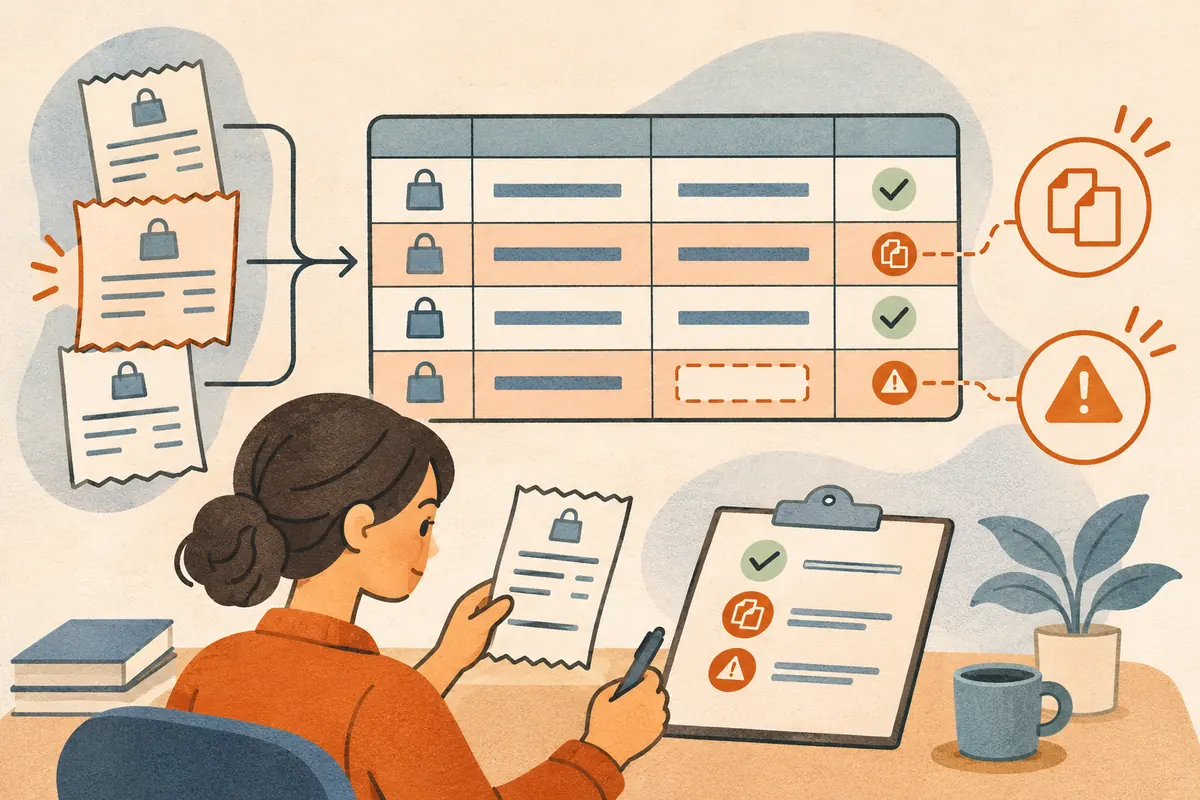
This exercise uses synthetic records. The reference below is a calculated answer key you can compare with your own Cowork run.
Prepare three sample files
Download the receipt audit ZIP. Unzip it and connect only the inputs folder for the exercise. Open prompt.txt separately and keep the reference folder aside until you check the result.
To create the input files manually, save each line below in its own text file. The duplicate shares the same receipt ID even though its filename differs.
| Filename | File contents |
|---|---|
| cafe.txt | Receipt R-101, 2026-10-03, Harbor Cafe, USD 12.50 |
| cafe-copy.txt | Receipt R-101, 2026-10-03, Harbor Cafe, USD 12.50 |
| office.txt | Receipt R-102, 2026-10-04, Paper Grove, USD, amount unreadable |
Run the task
Connect the folder in Claude Desktop using the setup guide. Start a Cowork session and give it this prompt.
Read the three text files in the connected folder. Create receipts.csv with the columns receipt_id, date, merchant, currency, amount, and source_file. Count each receipt ID once, using cafe.txt for R-101. Leave an unreadable amount blank. Create review.md listing skipped duplicates and missing values by filename. Report a subtotal for known amounts only. Preserve all three source files.
Check the result
The expected CSV has two data rows:
receipt_id,date,merchant,currency,amount,source_file
R-101,2026-10-03,Harbor Cafe,USD,12.50,cafe.txt
R-102,2026-10-04,Paper Grove,USD,,office.txt
The known subtotal is USD 12.50. The review file should identify cafe-copy.txt as a duplicate and office.txt as missing an amount. Verify that the originals are still present. An output of USD 25.00 signals double counting, and a zero in the missing amount field makes an unknown value look like a real amount.
Use the included scorecard to record your result or compare the same task across tools. Once this passes, try a second batch with mixed currencies. Require a subtotal per currency so the spreadsheet never adds unlike amounts.